What is the difference between a Contact and an Account
1. Start with a quick overview of your dashboard.
2. Select the Accounts tab to view company and client records in one place.
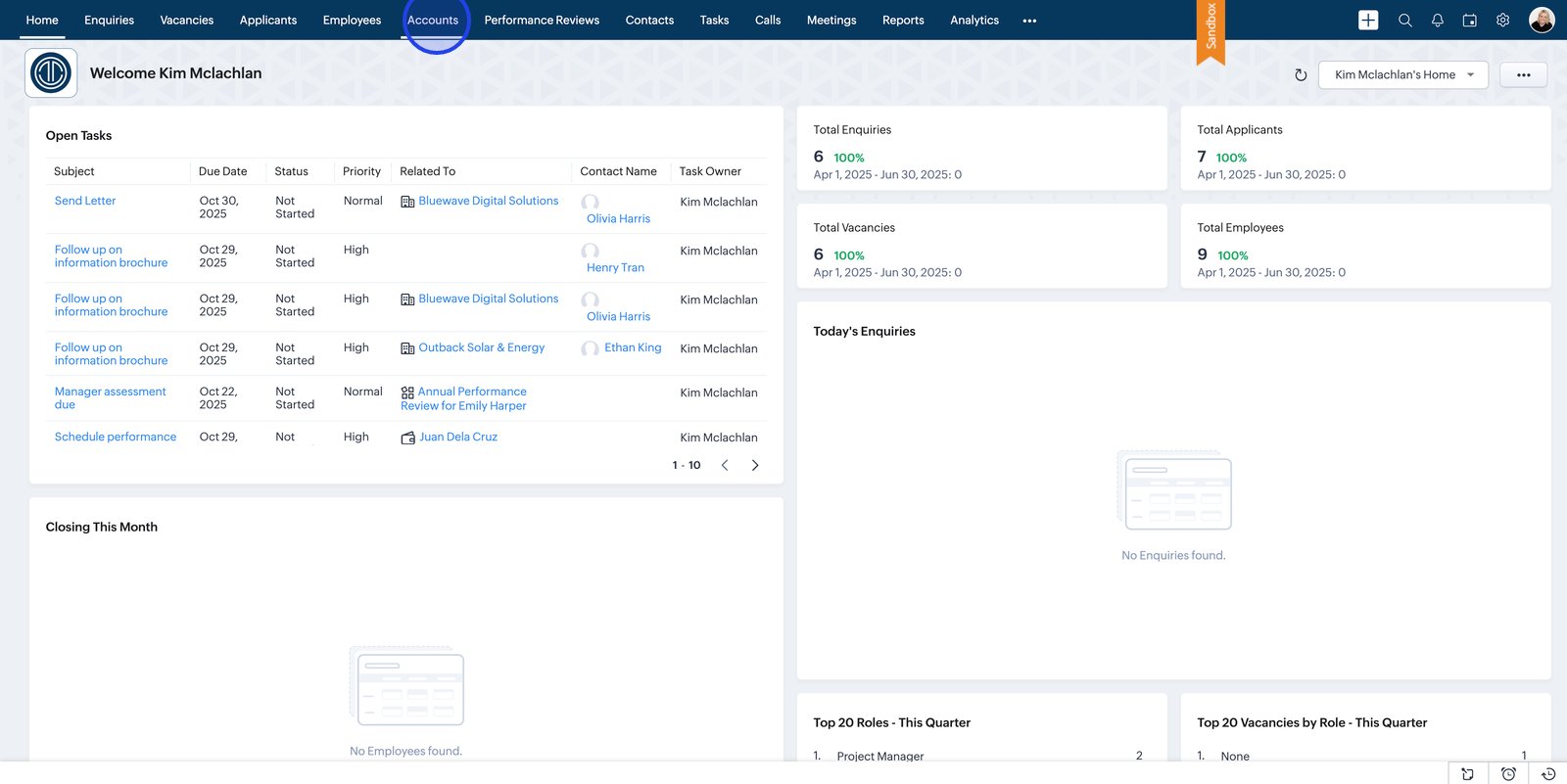
3. An Account is the Company you are providing your onboarding service to. They are your client.
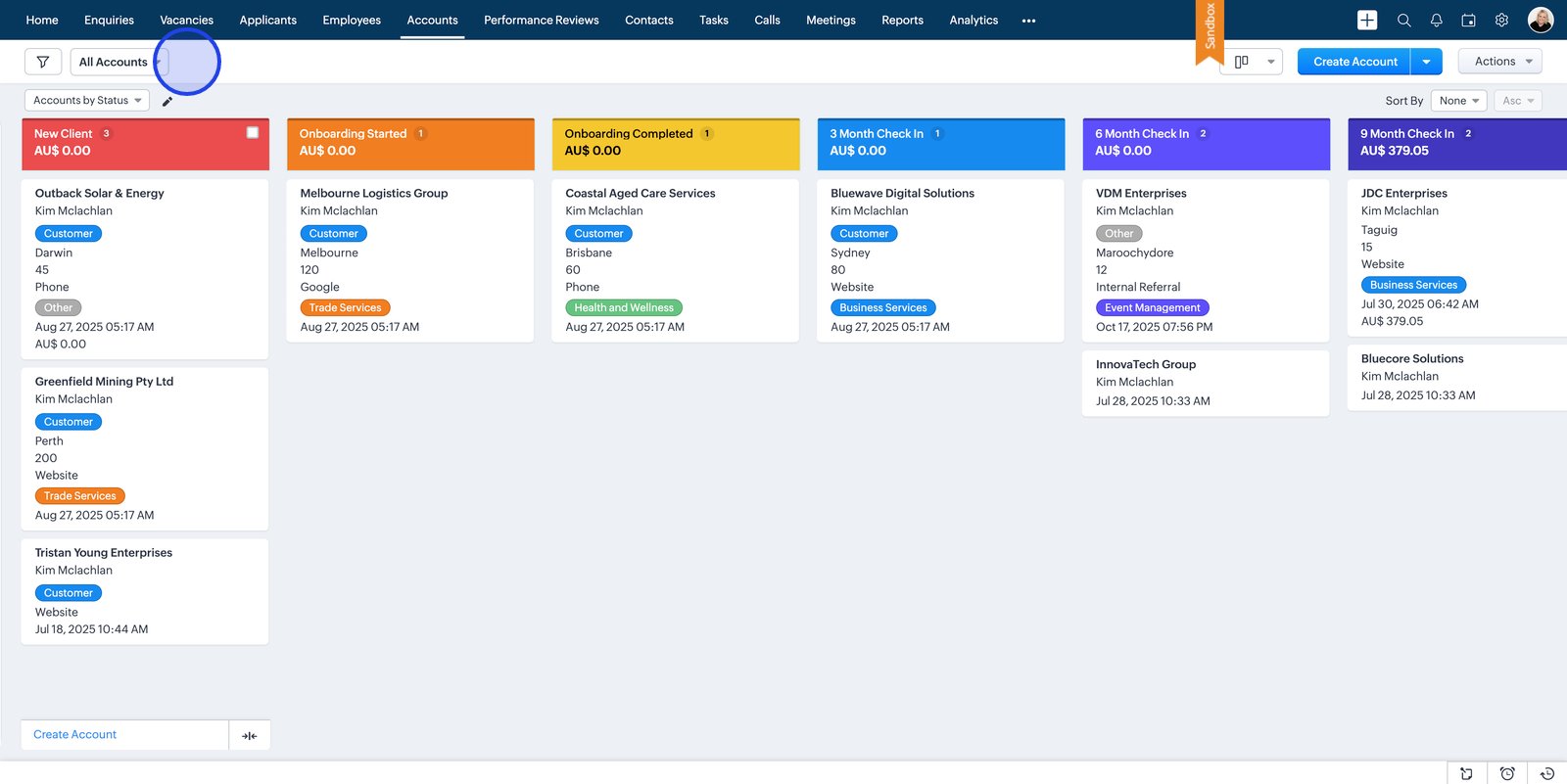
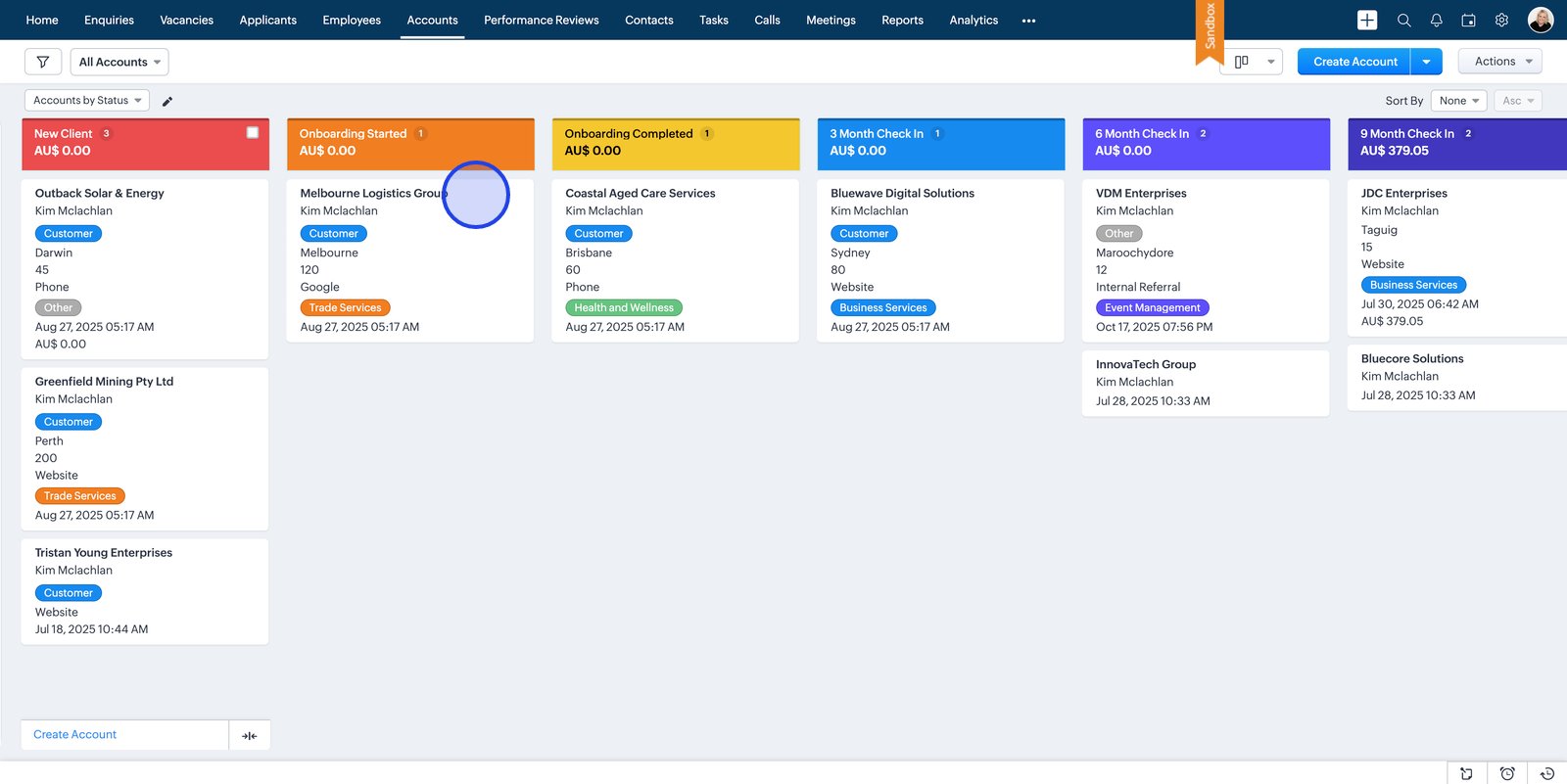
4. Click on an account card to dive into details for a specific client.
Related Articles
How to add accounts
1. Start by opening the dashboard 2. Head to the Accounts tab to manage or view account information 3. Click Create Account to get started with a new account entry 4. Enter the Account contact details for the new account 5. Add a clear and ...
How to add employees
1. Start by launching the app 2. Navigate to the Employees tab to manage your workforce 3. Click the Create Employee button to start adding a new record 4. Enter the new employee's name 5. Select the employee type to match the working arrangement 6. ...
Talent Onboard Accounts | Manage Client and Company Records Effortlessly
The Accounts module in Talent Onboard helps you manage all your company and client records in one central location. Whether you’re tracking the organisations you recruit for or managing internal departments, Accounts keeps key details — such as ...
How to Join the Talent Onboard Trial from outside of Australia
1. Go to www.zoho.com/r/signup.html and Change Country to Australia to create your Zoho account 2. Sign in with the email you used to register for the trial 3. You will see confirmation of your new account 4. Check your email for a link to verify ...
Talent Onboard Contacts | Manage People and Relationships
The Contacts module in Talent Onboard gives you a complete overview of every person connected to your recruitment and HR activities — from candidates and clients to internal staff and external partners. Each contact record stores key details, ...