How to Customise Canvas Views in CrewDone
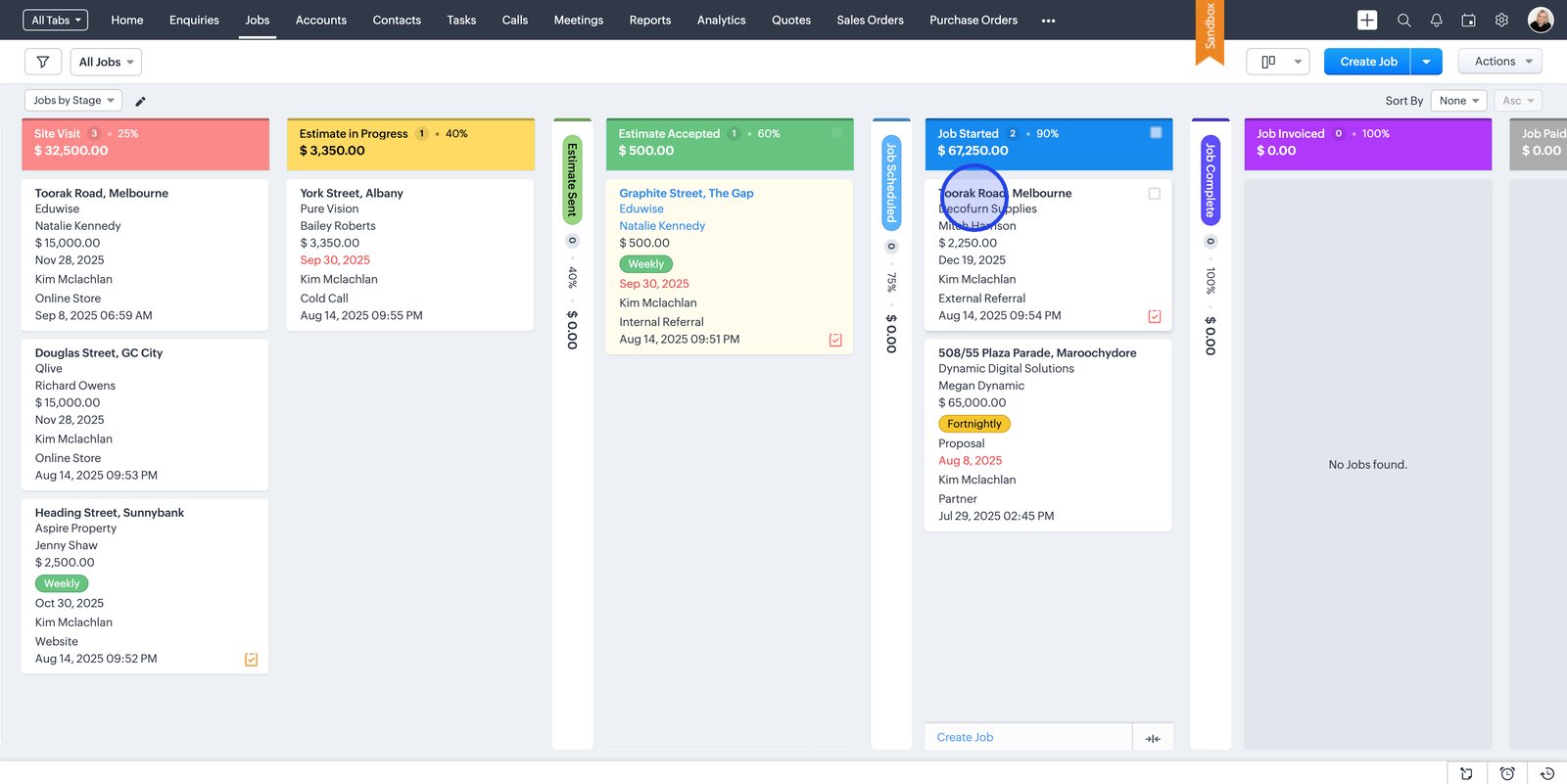
1. Start by selecting the a module that you would like to customise:

2. Click on on the detailed view of the card:

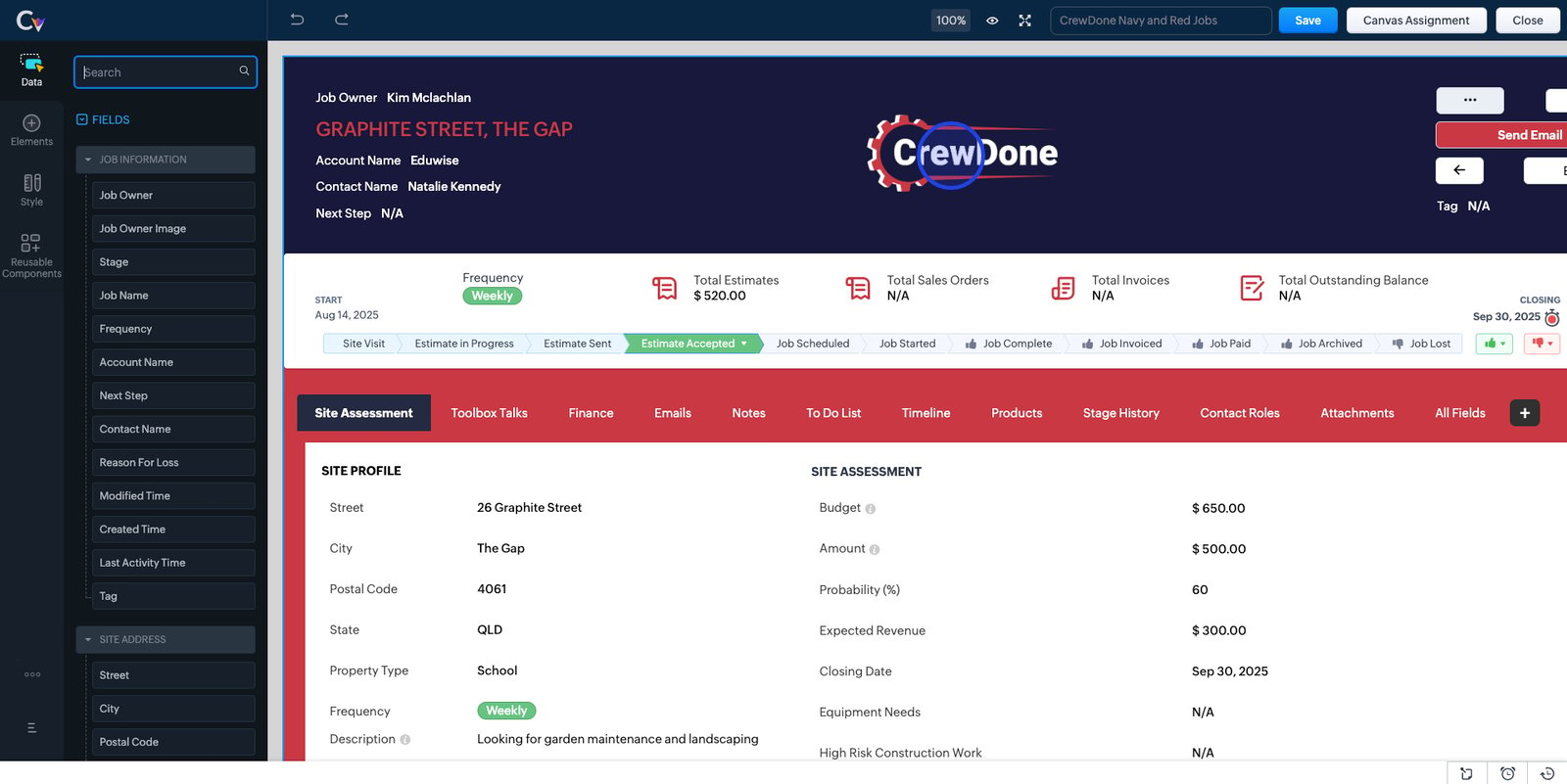
3. Navigate to the bottom of the detailed view and click edit:

Please note that you will not be able to edit the CrewDone canvas view but you can clone the canvas view and then create your own.